
Olympia Court Docket Searches
Start with the court named on your paperwork. The citation, summons, hearing notice, or pleading tells you which line the case sits on. The statewide limited-jurisdiction list includes Olympia Municipal Court. The official directory, though, routes that Olympia entry to Thurston County District Court. Matters like a felony, divorce, probate case, dependency, or a large civil action belong to Superior Court instead. The city name alone will not pick the right docket database.
- Copy the court name and full case, cause, citation, or infraction number.
- Open the official Washington Courts Case Search and choose the court level shown.
- For an Olympia Superior case, use Odyssey Smart Search and limit the location to Thurston County.
- Match the party role, case type, filing year, and court before accepting the result.
- Check Hearings or Find My Court Date, then obtain the needed filing from its clerk.
A case number is your best tool. It ties the Olympia index, the hearing calendar, the event register, and any copy request to one file. Name searches cast a wider net and often drag in unrelated people. When nothing appears, try spacing and hyphen variants of the name. Double-check that you picked the right Olympia court. Give the system time to update, too. Only then treat the empty result as the end of the public record trail.
Olympia Court Record Routing
One Olympia search can touch three public offices. District Court holds the limited-jurisdiction files: misdemeanors, gross misdemeanors, traffic and non-traffic infractions, small claims, name changes, protection orders, and civil claims within its limit. The County Clerk keeps everything filed in Superior Court. That court, in turn, handles the heavier dockets. Felonies, domestic relations, probate, guardianship, dependency, juvenile matters, and major civil cases all land there.
| Olympia record | Likely custodian | First search |
|---|---|---|
| City ordinance or infraction | District Court under the municipal route | State limited-court search |
| Misdemeanor or small claim | District Court | Case search, then electronic records |
| Felony, probate, or major civil file | County Clerk | Odyssey for Superior Court |
| Current hearing date | The court holding the case | Hearings or Find My Court Date |
The Washington Courts directory shows the current Olympia route and contact. Its listing explains why a municipal label does not always point to a separate municipal counter.
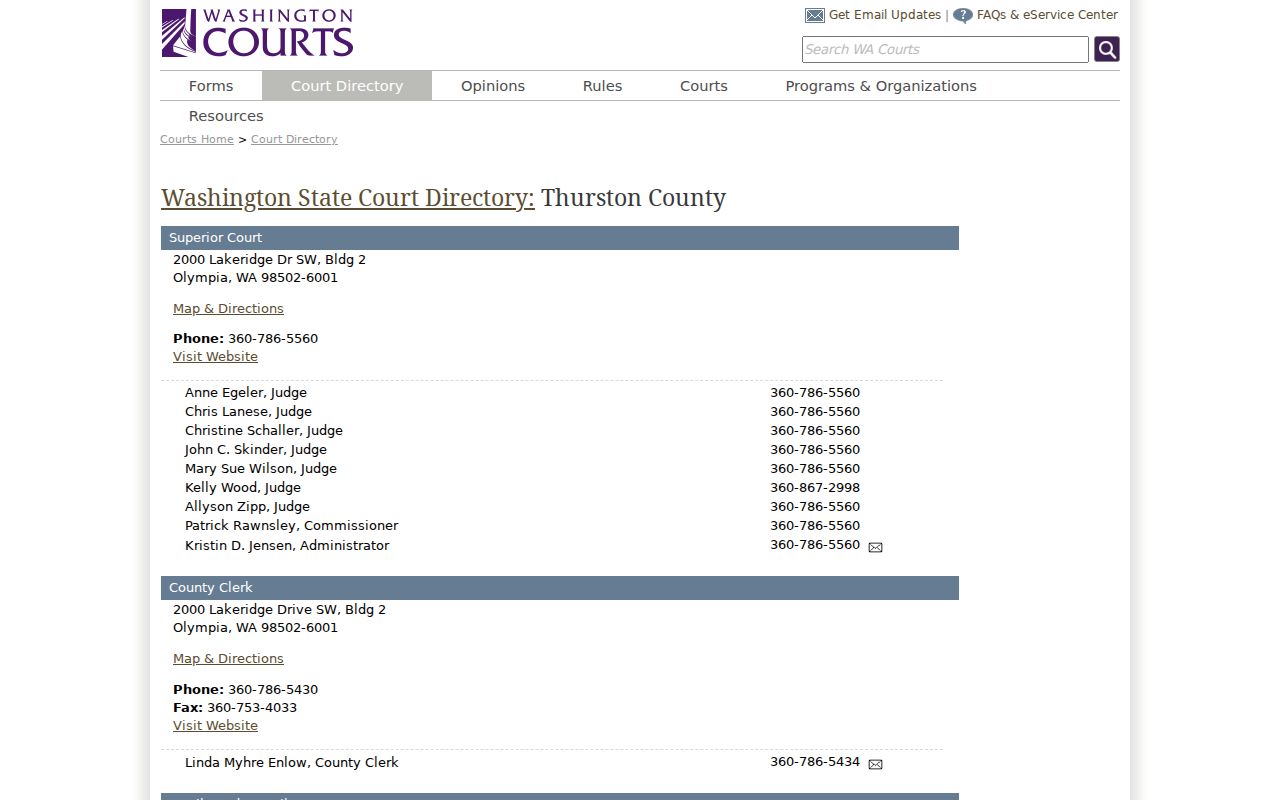
Match your request to the case number's office. That way a Superior Court filing request never lands at District Court, and an Olympia ticket question never goes to the County Clerk by mistake.
Inside the Olympia Municipal Court
Olympia Municipal Court appears as a searchable label in Washington's limited-jurisdiction index. The current directory, though, routes that Olympia entry to Thurston County District Court. That is where contact information and record access happen. So an older entry or a city matter may carry the municipal name. The county court does the work. The label describes local origin or court selection. It does not make every record a city-held file. District Court covers city and county misdemeanors, gross misdemeanors, infractions, protection orders, and name changes. It also handles civil claims up to $100,000 and small claims up to $10,000. Its record system stays separate from the County Clerk's Superior Court document service. One caution: District electronic files can be incomplete. They may leave out the docket of events. When the online file falls short, ask for the electronic docket or a named filing instead.
Olympia Records at Lakeridge
Olympia is the county seat. The main court campus sits at 2000 Lakeridge Drive SW. Building 2 holds Superior Court along with the County Clerk's civil and criminal division. Building 3 holds District Court. The two offices sit near each other. Yet they keep separate case files and separate request channels. Before visiting either building, bring the court name, the case number, and the exact document title you need. Bring all three.
Thurston County Clerk
2000 Lakeridge Drive SW, Building 2
Olympia, WA 98502
360-786-5430
Thurston County District Court
2000 Lakeridge Drive SW, Building 3
Olympia, WA 98502-6045
360-786-5450
The county's court-campus history covers the older courthouse setting and the building plan. It adds useful context before an Olympia records visit.
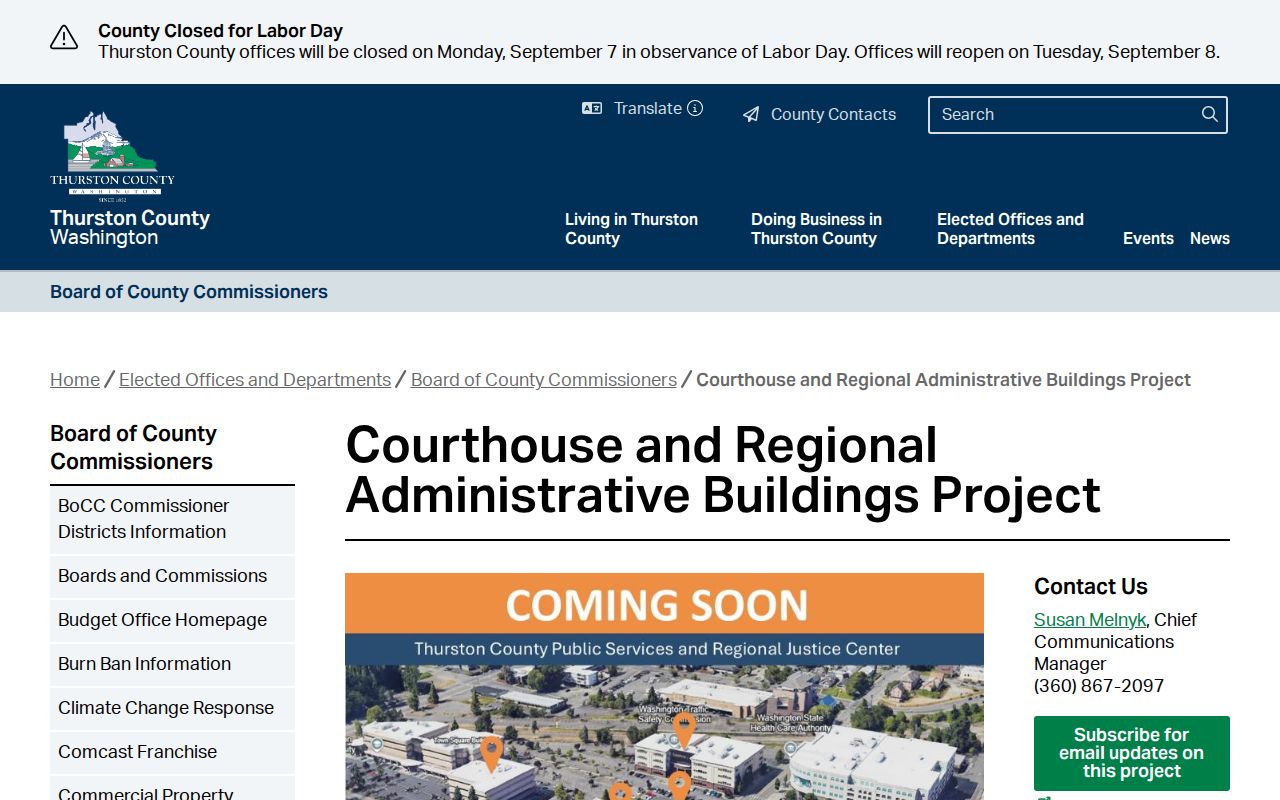
Family and Juvenile Court sits on a different campus in Tumwater. An Olympia mailing address promises nothing about where a hearing will be held. Compare the newest notice against the calendar before you travel.
Finding Olympia Court Dates
For a Superior Court case, search Odyssey and open the Hearings section. Then compare that setting with the official main-campus calendar and the most recent Notice of Hearing. Any one of them may lag. District and Olympia municipal settings work differently. Use Washington's Find My Court Date tool with the court selected and the party name. A live date tool answers a scheduling question only. It never proves a final result in the case.
| Date | The scheduled hearing date, subject to a later order or notice. |
|---|---|
| Time | The calendar start, which may cover several Olympia matters. |
| Courtroom | The room assignment or remote setting listed for that session. |
| Judge | The assigned judge or commissioner, who may change. |
| Setting Type | Arraignment, motion, review, plea, sentencing, or trial confirmation. |
Superior Court posts main-campus session availability up to 90 days ahead. A session marked closed often means the calendar is full, not that no hearing exists. Court orders can still add matters. Read courtroom assignments, remote details, holidays, and the latest docket event together. Only then draw a conclusion.
Olympia Docket Events and Orders
An Olympia calendar entry is a plan, nothing more. The Register of Actions lists dated events as they happen. A signed order records what the judge actually decided. Each source answers a different question, so know which one you are reading. A trial confirmation, for example, is a readiness and scheduling event. It does not prove a trial occurred. And a change of plea is not the same as a sentencing setting.
- Register of Actions
- The chronological list of filings, orders, hearings, and other events.
- Continued
- A setting moved to another date, often by an order or court direction.
- Stricken
- A scheduled item removed from the calendar; the reason may require the event record.
- Disposition
- An outcome read in context because it may concern one charge, party, or claim.
If an Olympia calendar and a filed order seem to disagree, save both search dates and call the court of record. The later event may reflect a reset. In the end, the official file controls.
Olympia Traffic Ticket Lookups
Start with the citation itself. The Olympia ticket shows the court name and the response date. Both matter before any docket search. Enter the citation or case number on the limited-jurisdiction form, and pick Olympia Municipal Court or Thurston County District Court as the document directs. Find My Court Date can pull up a current setting by court and name. For the county District electronic file, bring the case, citation, or infraction number. Criminal and infraction lookups may also require the issuing agency's three-character code. Place it directly after the number.
What the record shows matters too. Olympia ticket files track the filed infraction, the response choice, the hearing, payment history, the disposition, and any later notices. A payment receipt is not a disposition. A date on the calendar is not a finding. If the event docket never appears in the electronic file, ask District Court for it rather than guessing.
For mitigation, contested hearings, deferrals, response rules, and copy options, see the broader Thurston County traffic court route.
Olympia Clerk Access Changed
The walk-in math changed in Olympia. A January 2026 County Clerk announcement closed the Olympia customer-service counters while expanding online service. Public document-viewing terminals survived, open from 9 a.m. to 4 p.m. Everything else moved to appointments: confidential-file viewing, exhibits, facilitator help, and sealed-will service. Older county material still lists broader terminal hours. Trust the newer notice before any Olympia visit.
Check before traveling: the Olympia County Clerk and District Court have different counter rules even though both serve the Lakeridge campus.
Odyssey still carries Olympia Superior Court case and hearing data for free. Document images are the limit; public Olympia filings cannot be viewed through that internet search. Instead, read them on Clerk terminals at no charge, within restrictions. You can also order through Clerk Documents. District Court keeps its own Olympia counter and records process, separate from the Clerk. One caution applies to every visit. A current notice can shift Olympia hours or entry rules. It does not touch the case number itself.
How Olympia Cases Reach the County
Where a case starts depends on what it is. An Olympia ordinance case or infraction may wear a municipal label. It runs through the District Court service route. Felonies, major civil suits, divorces, probate matters, and dependency cases begin in Superior Court. An appeal from a limited-jurisdiction decision creates a Superior Court record. A further appeal opens a separate Division II docket. The trial file itself stays put with the trial custodian.
Docket flow: Olympia Municipal Court › Thurston County District Court › Thurston County Superior Court
Read the line as a map of possible routing. It is not a required path for every Olympia case. A traffic infraction does not climb automatically. Nor does a Superior case begin at the municipal tier. Search only the level the citation, case number, or filed notice supports. Then use the county docket home for broader routing.
Olympia Court Search Layers
The official Olympia tools overlap. None of them holds the whole Olympia file. Washington Courts Case Search can spot Olympia municipal, District, Superior, and appellate matters. Olympia data is refreshed within about 24 hours. The service itself warns it is not the complete official record. For Thurston Superior Court, Odyssey is the stronger public case-and-hearing layer. District Court runs its own separate Olympia electronic record channel.
The Washington Courts search landing page lays out distinct routes for case, person, attorney, and court-date work. Its interface makes each choice plain.
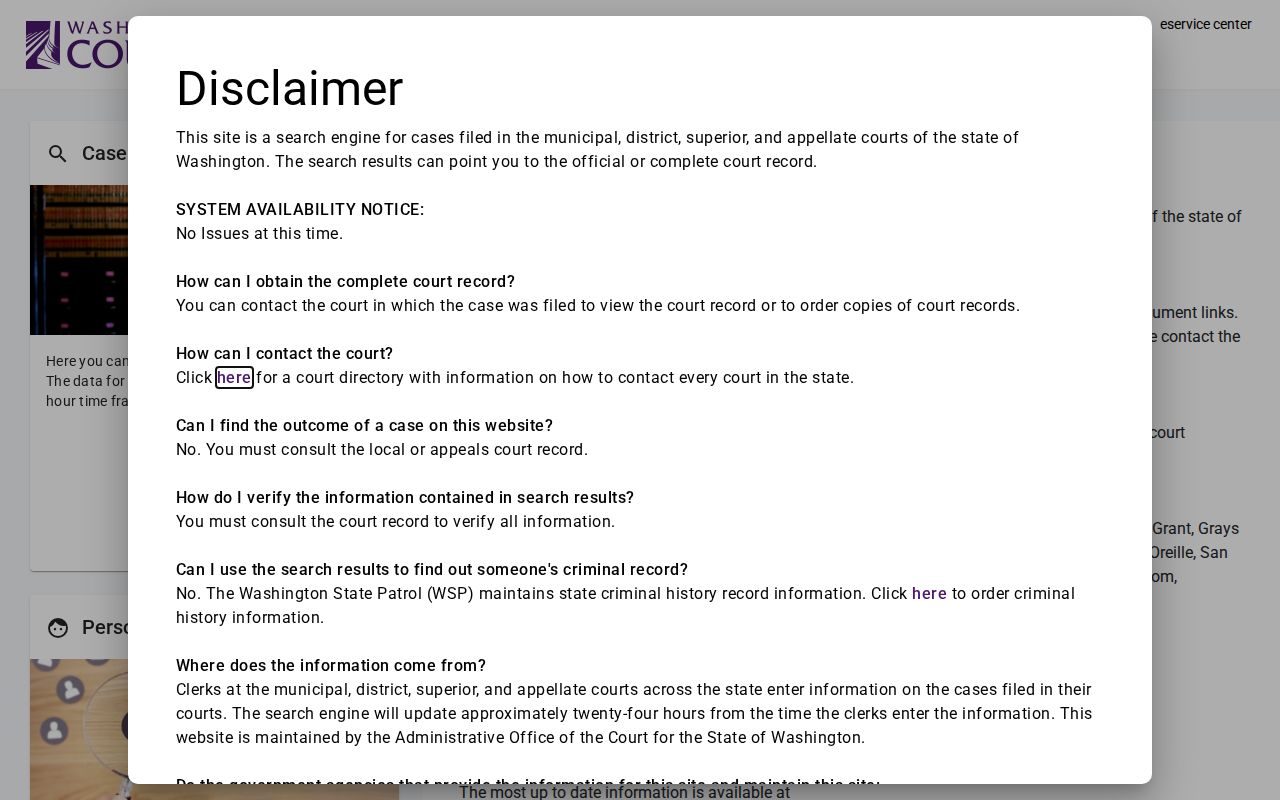
Match the tool to the gap. An Olympia person search helps when the case number is unknown. An Olympia case search is more precise. An Olympia hearing tool tests the schedule. A clerk copy verifies a filing or order. Whatever the method, write down the court, search type, spelling, date range, and search date behind each Olympia result.
Who Can See Olympia Court Records
Washington court rules lean toward access. Public case records stay open. Sealed files, juvenile information, confidential family material, and personal identifiers stay protected. An Olympia index hit does not make every document public, though. Internet access also tends to run narrower than what a courthouse terminal shows. Eligible parties can book a confidential viewing appointment. That channel never turns a restricted file into a public record.
Key rules:
Washington GR 31 governs public access, protected identifiers, and juvenile web limits.
Washington GR 22 restricts specified family, protection-order, and guardianship information.
Thurston local court rules include sealing and redaction procedures.
RCW 42.56.070 concerns agency records, which differ from filed court records.
A missing Olympia result is not always privacy at work. It can mean the wrong court, a spelling mismatch, a narrow date range, or plain delay. Ask the custodian which rule or order controls an access limit.
Olympia Court Record Copies
For an Olympia Superior Court document, search by cause number through Clerk Documents. You can also email the County Clerk. Include the Olympia number, the party name, and the exact filings needed. Staff can supply the page count, cost, and payment route. Mail orders go to the County Clerk at Building 2. Send the case number, document list, accepted payment, and a stamped return envelope. Certified Olympia copies carry a different price than plain ones.
Olympia District Court handles requests through its online form, mail path, or direct court contact. Give the Olympia citation or case number and the item wanted. Name the complaint, order, judgment, sentence, or electronic docket. District staff offer a warning. They cannot research the case number for you. For both Olympia courts, a short list tied to the event register beats a vague request for "all records."
Keep a final Olympia log. Record the court name, exact number, case type, hearing checked, document requested, official URL, and search date. If an index label and a signed order disagree, the originating court's filed record or a certified copy settles it.